Microsoft Copilot
What is Microsoft Copilot?
Microsoft Copilot is an AI assistant available to the University of Houston for faculty, staff, and students through the university’s Microsoft environment.
It supports everyday academic and administrative work by helping users generate, summarize, and organize content using natural language.
Copilot Capabilities
- Draft emails, reports, and announcements
- Summarize documents or conversations
- Generate ideas, outlines, and structured content
- Simplify complex information into clear explanations
Copilot provides a starting point that users can review, refine, and finalize based on their needs.
🔐 Your privacy and data security are a priority. When you log in with your CougarNet
account, your data is protected from being used to train AI models or made publicly
accessible.
Role-Based Use Cases
| Faculty | Staff | Students |
|
|
|
Copilot at UH
| Audience | Available Tools | Cost |
| UH Students and Employees |
|
Free, already available |
| Employees who want deeper Copilot integration across Microsoft tools |
|
$220 /year Request a license: software@uh.edu |
Need help understanding the difference between Copilot Chat and Microsoft 365 Copilot? Visit our guide on Choosing the Right Copilot for You.
Accessing Copilot
- Go to copilot.microsoft.com
- Select Sign In
- Enter your UH email address and password; complete multi-factor authentication
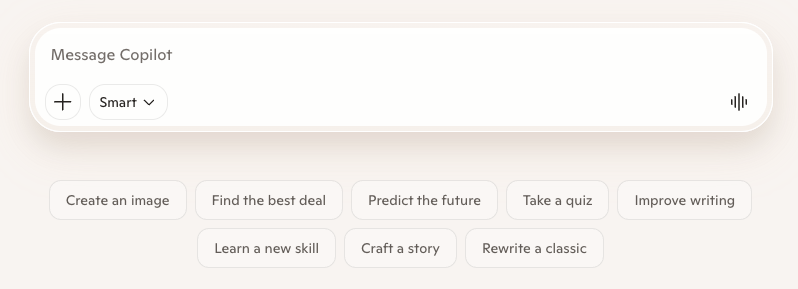
- Enter your request or question in natural language to begin interacting with Microsoft Copilot.
To learn more about Copilot for your department, contact aisolutions@uh.edu.